Before you start, make sure you have access to:
Your registered email address - You will receive the activation link here.
Your registered phone number - Used to receive an SMS One-Time Password (OTP) for verification (Email OTP is also available during setup)
Step-by-Step Activation Guide
1) Find your activation email
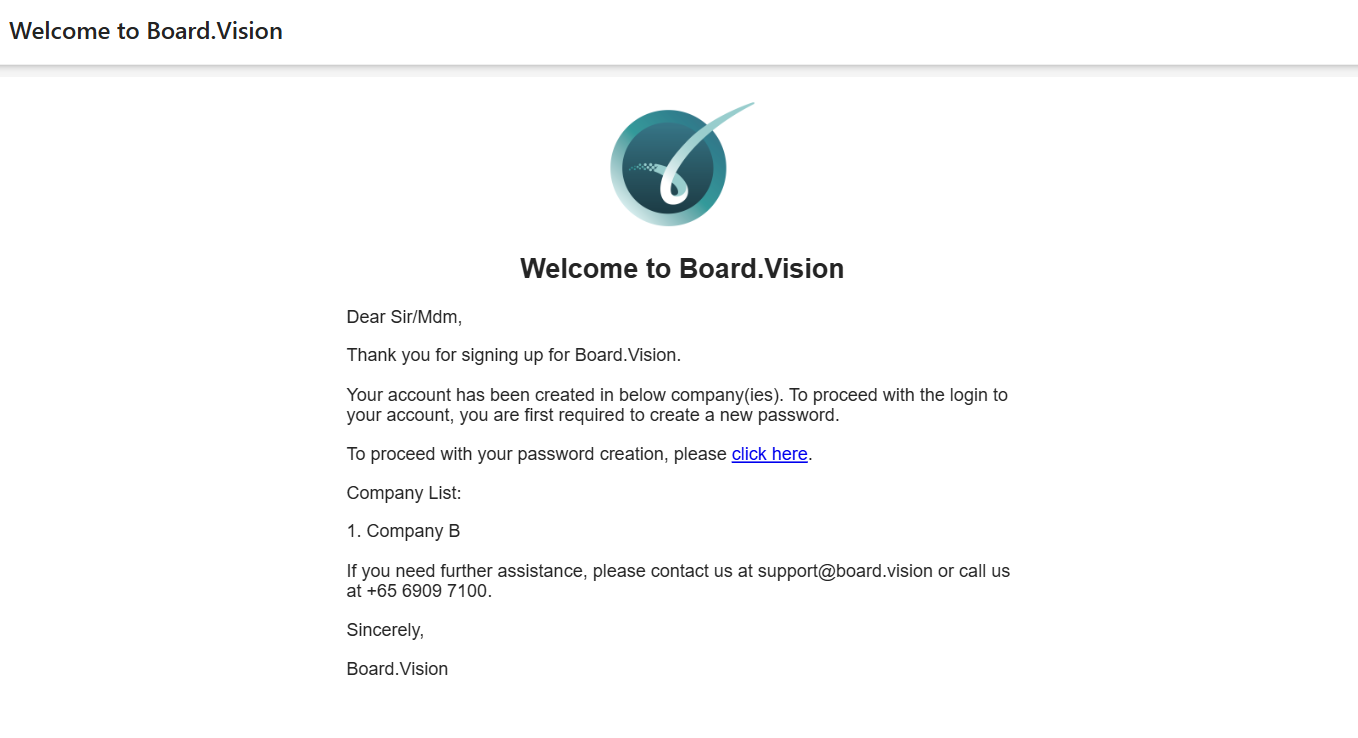
Check your Inbox (and Spam/Junk folder) for an email from notifications@board.vision with the subject line: “Welcome to Board.Vision”
3) Click the setup link
Open the email and click the “Click here” link to set your password.
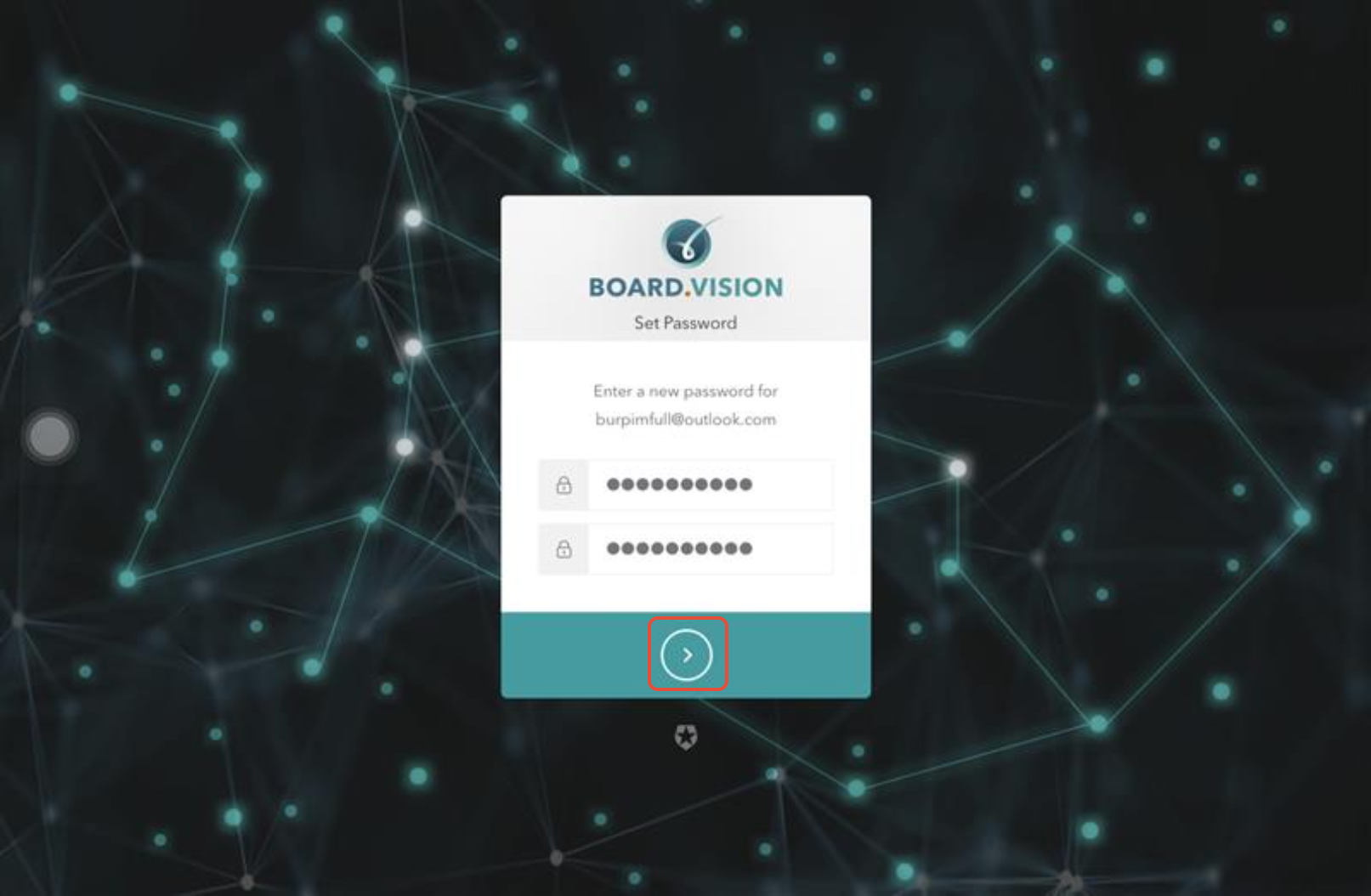
4) Create your password
Enter a secure password that is at least 8 characters long and includes at least three of the following:
A lowercase letter ($a–z$)
An uppercase letter ($A–Z$)
A number ($0–9$)
A special character (e.g.,
!,@,#,$)
Click the > button to proceed.
5) You will be redirected to the login screen. 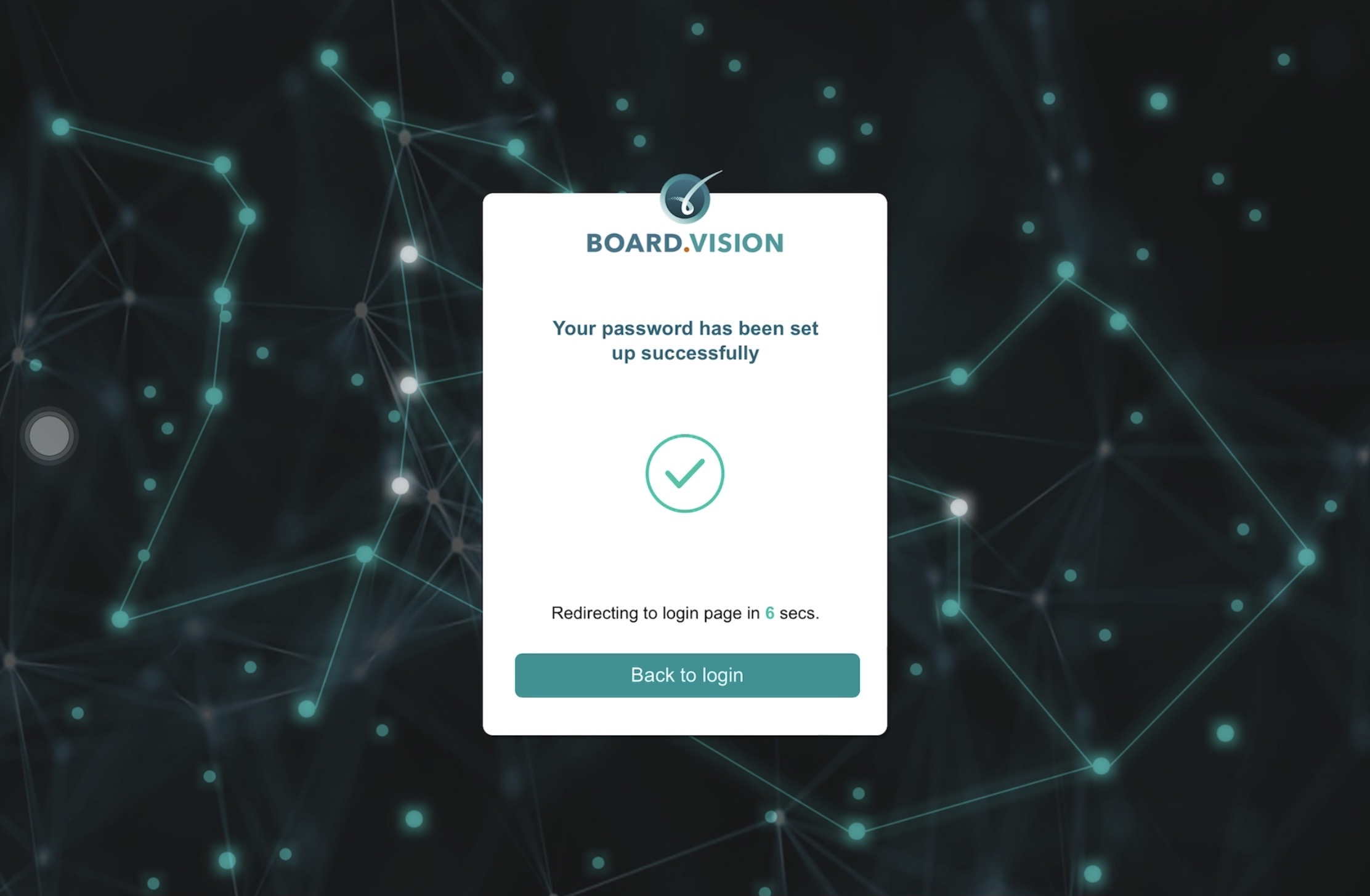
6) Enter your email address and new password, then click Continue. 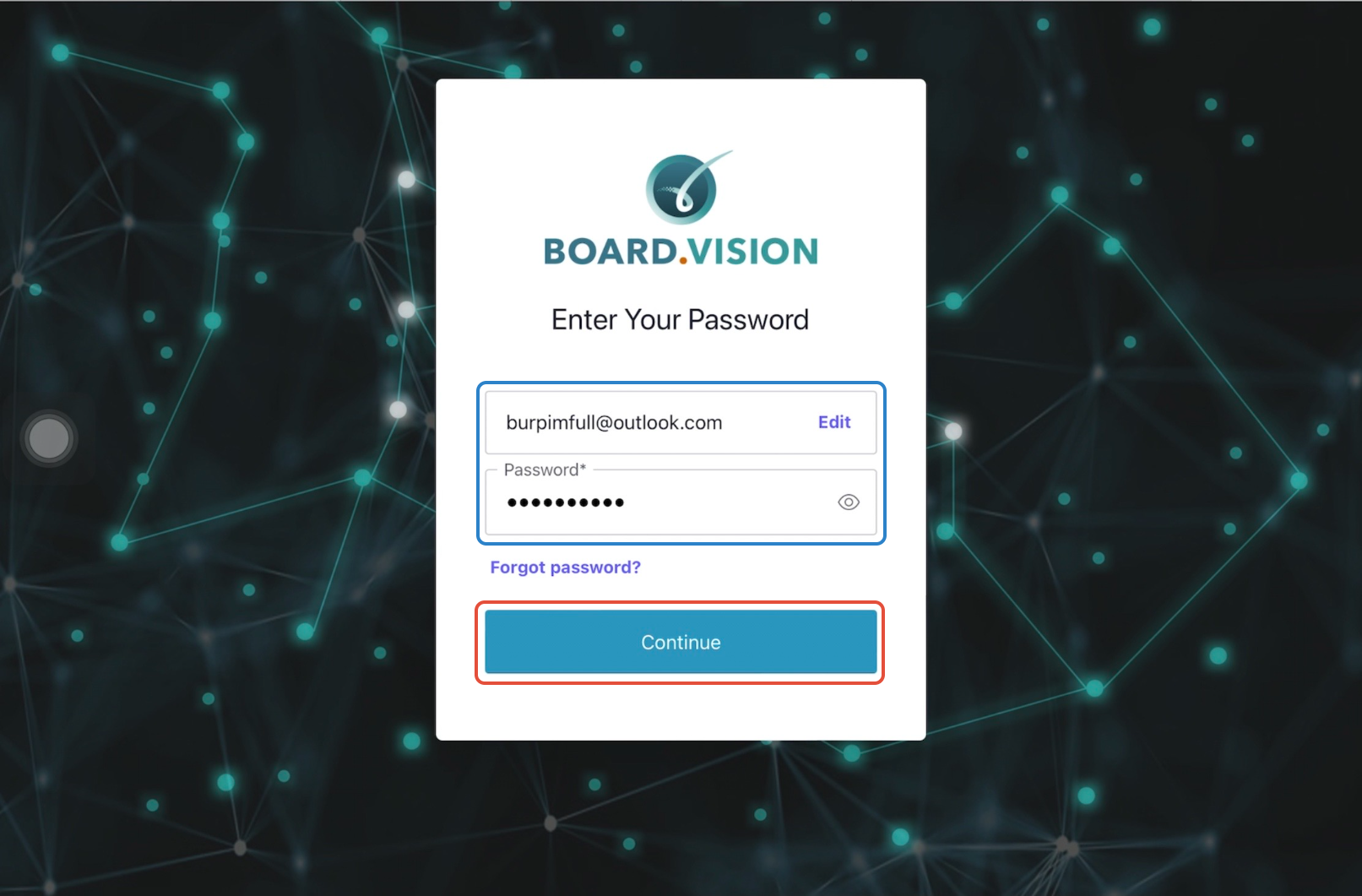
7) Tap Agree to accept the Terms of Use.

8) If your account is linked to multiple organisations, select the company you wish to access.
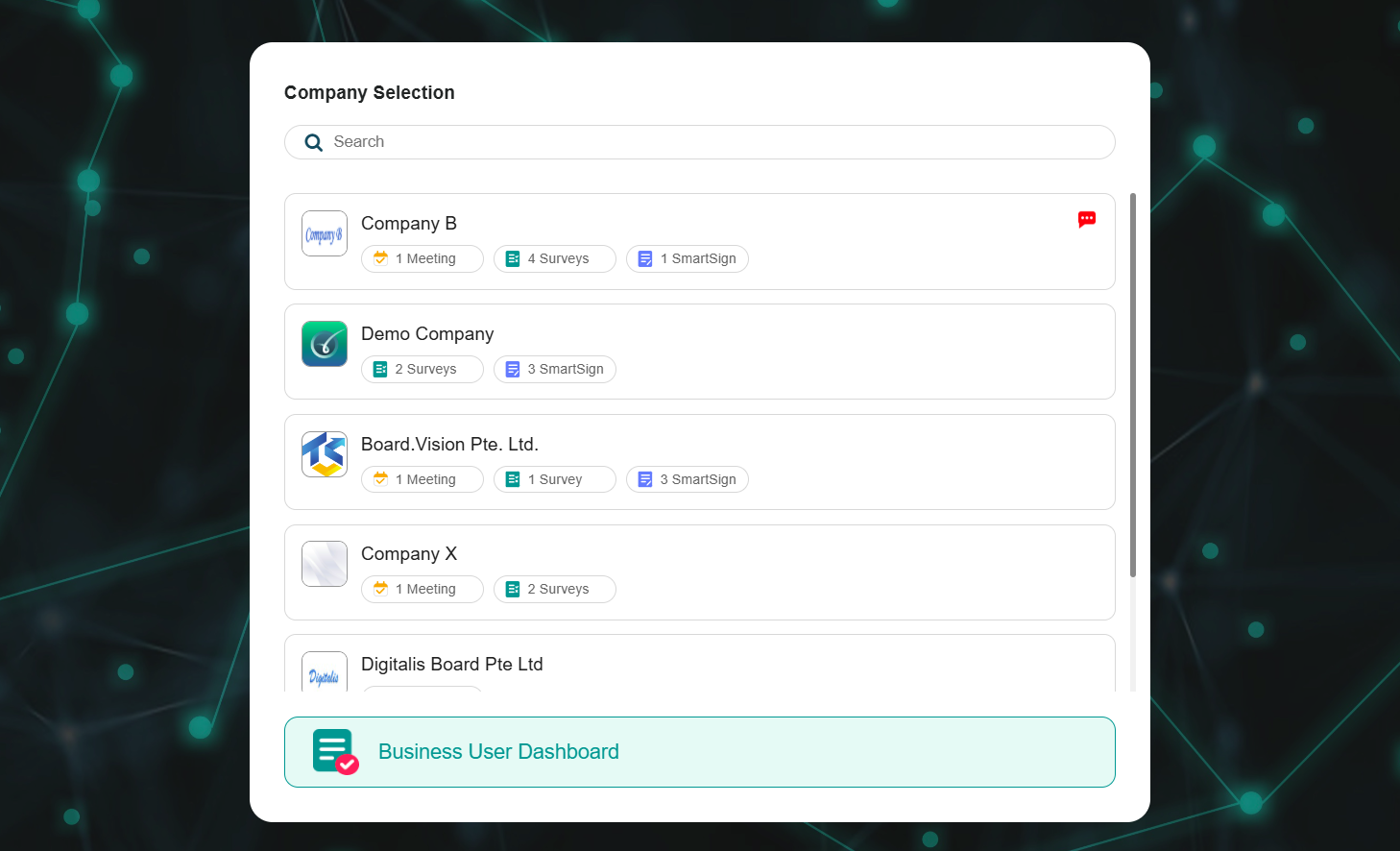
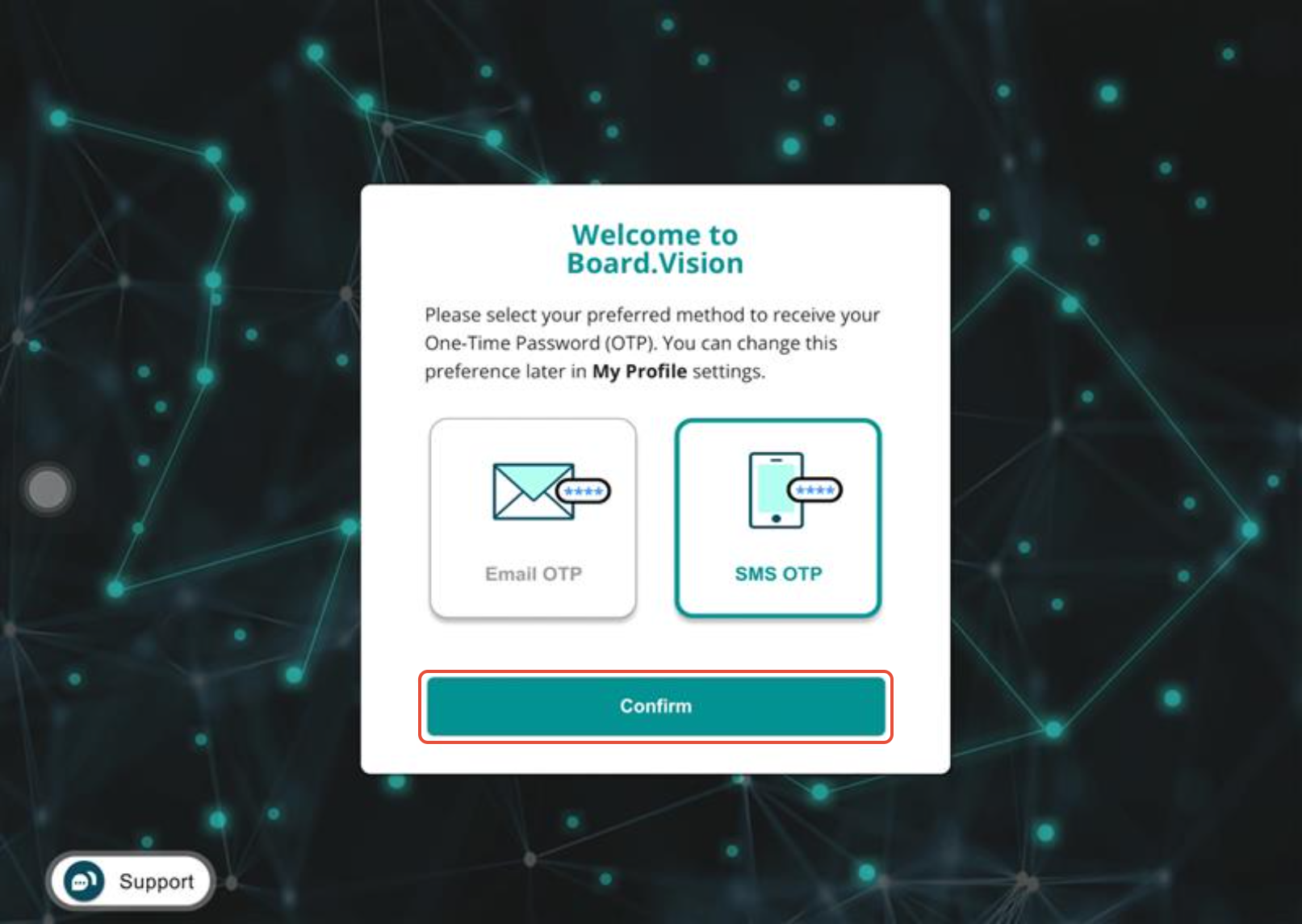
9) Select your preferred delivery method for the One-Time Password (OTP)—via SMS or Email—and click Confirm.
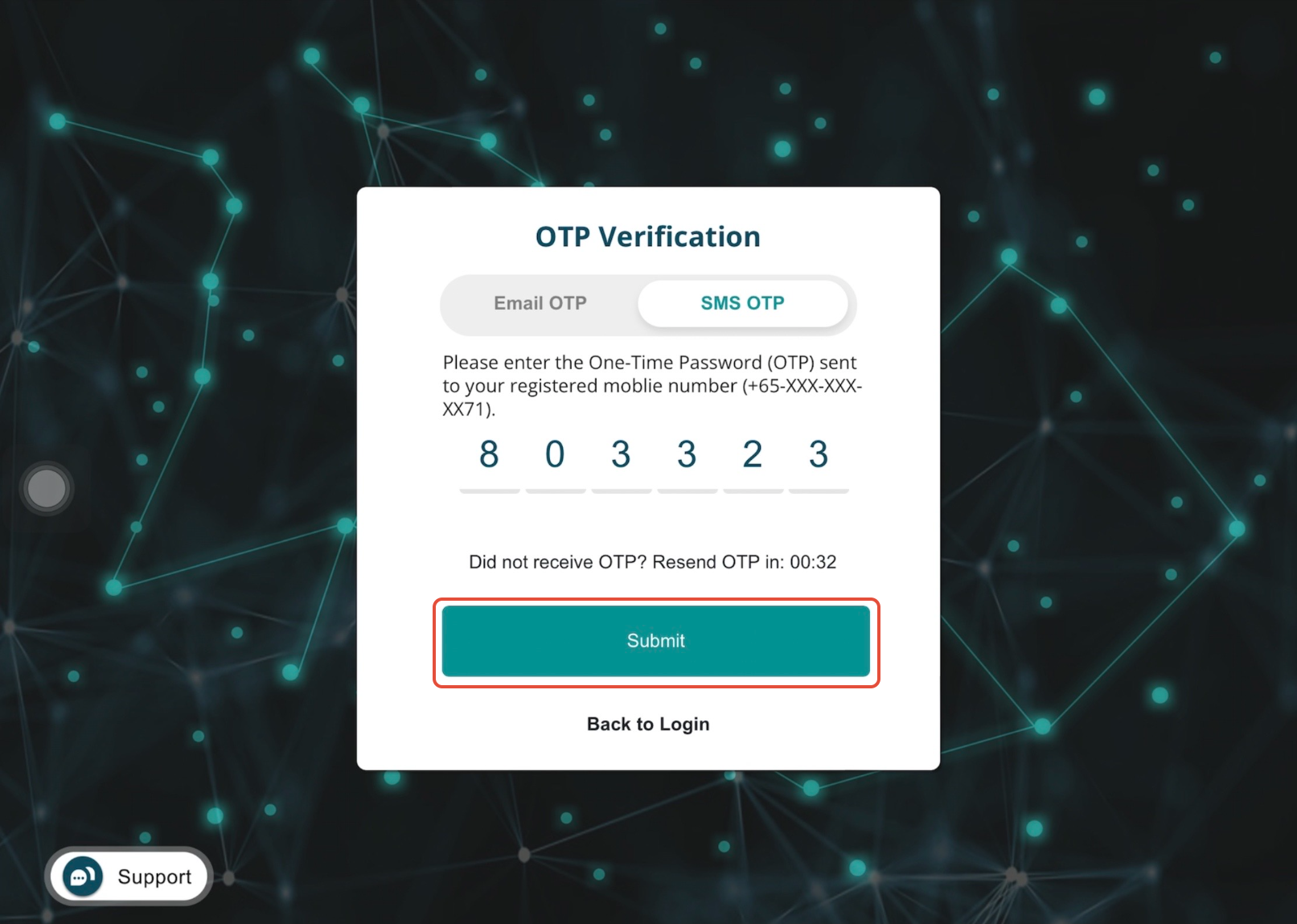
10) Enter the code you received and click Submit.
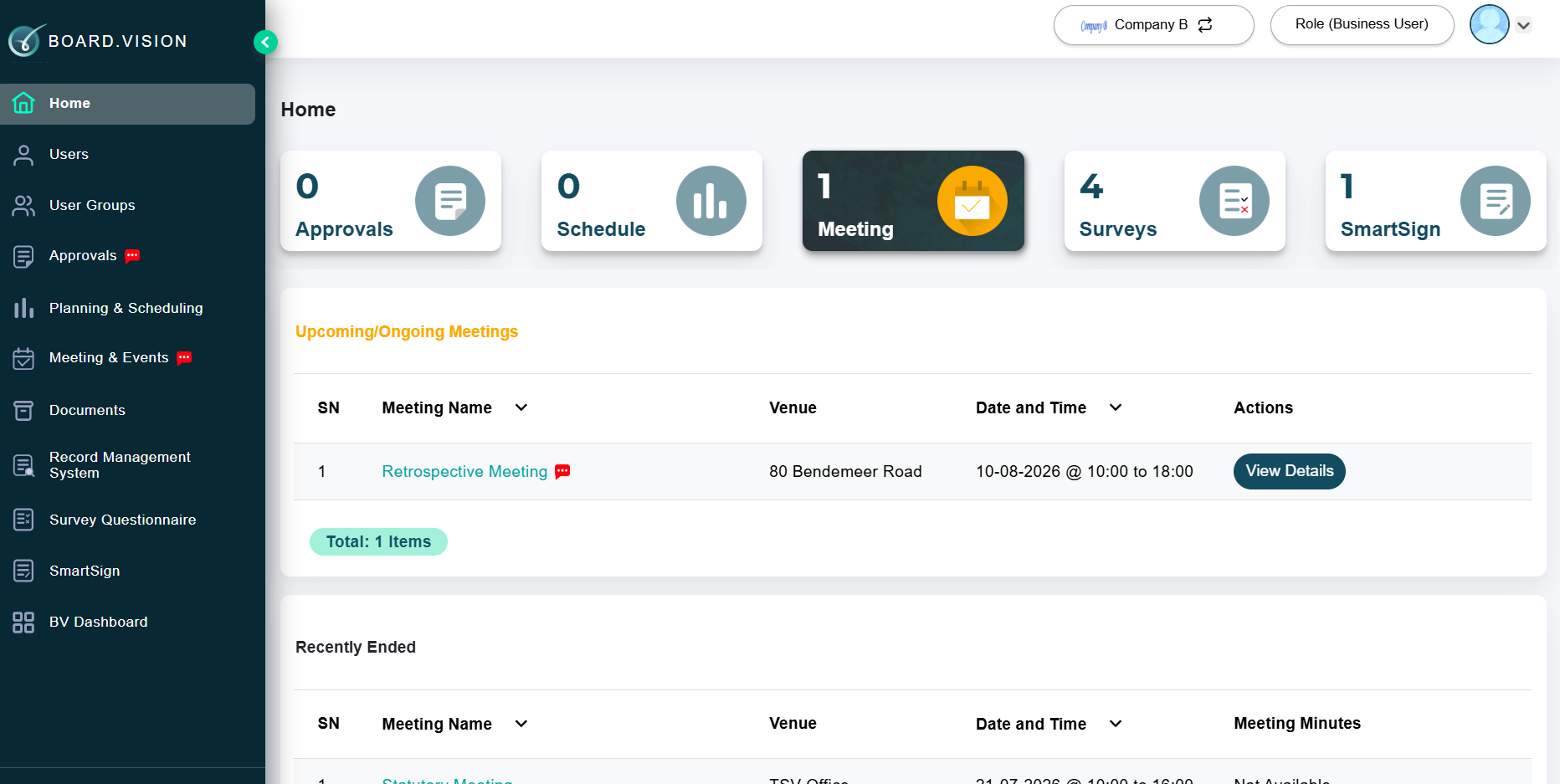
11) Once verified, you will be logged into your account and will receive a confirmation email indicating your Board.Vision account is active.
12) You will also receive an email notification to inform you that your Board.Vision account has been activated.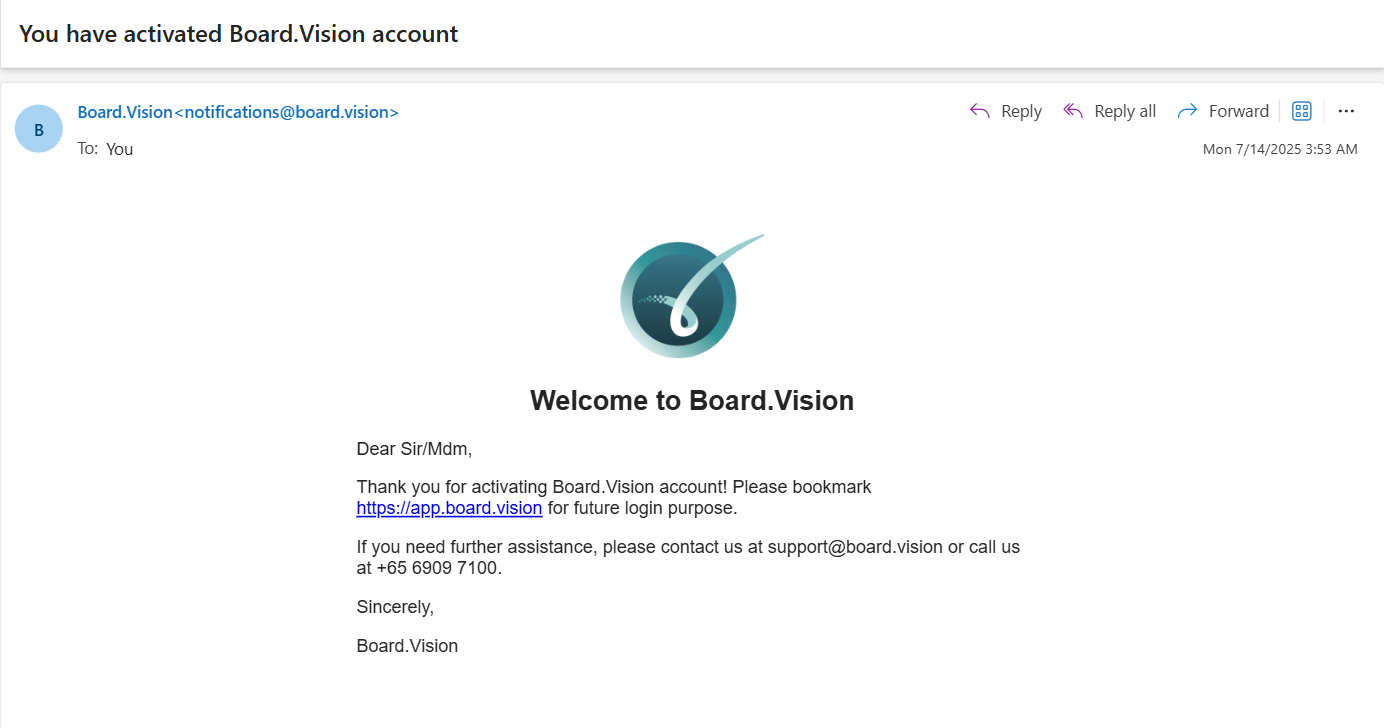
Important Note: For subsequent logins, you can use Google Chrome (version 65.0 or later) or Microsoft Edge (version 87.0 or later), via the following URL: https://app.board.vision.
If you face any issues, please reach out to our Board.Vision Customer Success Team at support@board.vision or +65 6909 7100 and we will be happy to help.
Our hotline operating hours are from Mondays to Fridays 9:00 AM to 6:00 PM SGT (excluding public holidays).
Was this article helpful?
That’s Great!
Thank you for your feedback
Sorry! We couldn't be helpful
Thank you for your feedback
Feedback sent
We appreciate your effort and will try to fix the article