If you encountered the following error message:
"Oops! Session Timeout. Try re-login again." when accessing the Board.Vision, it is likely due to your login session having expired.
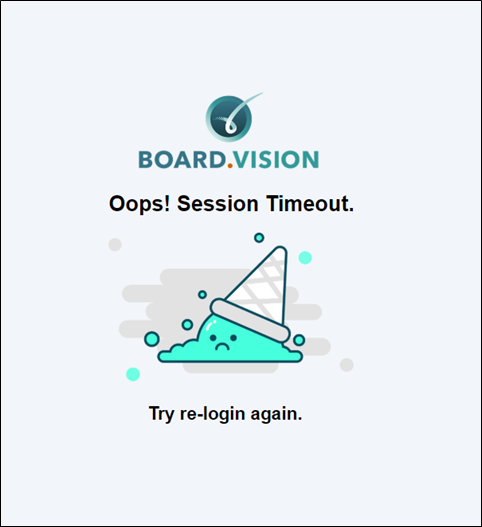
This message will only appear if specific security settings have been enabled on the backend.
To resolve this issue:
1) For iOS and Android Users: You will need to force quit the app, then open it again.
2) For Desktop / Laptop Users: You will need to re-enter the the Board.Vision login page URL: https://app.board.vision, then log in with your credentials.
If you encounter any issues, please contact the Board.Vision Customer Success Team and we will be happy to assist you.
Email: support@board.vision
Hotline: +65 6909 7100
Operating Hours
Monday – Friday
9:00 AM – 6:00 PM SGT
(Excluding public holidays)
Was this article helpful?
That’s Great!
Thank you for your feedback
Sorry! We couldn't be helpful
Thank you for your feedback
Feedback sent
We appreciate your effort and will try to fix the article